
Open-Source Tools vs Paid Software: Real-World Comparison

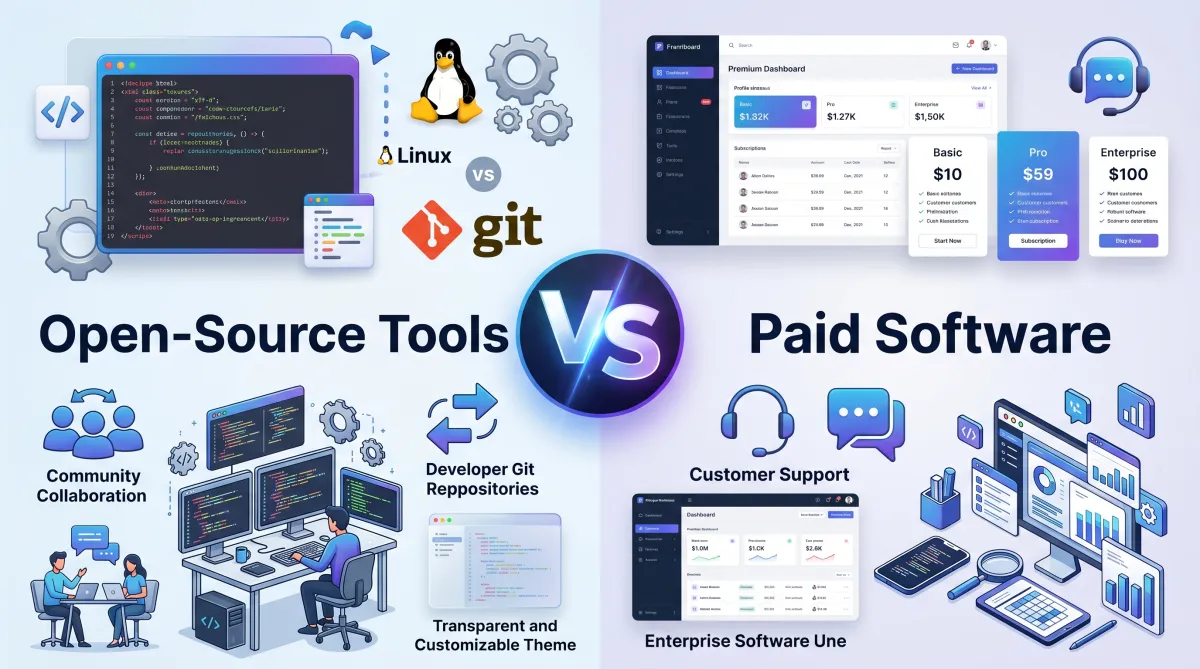
Choosing between open-source tools and paid software is a common challenge for businesses, freelancers, developers, and everyday users. While open-source solutions often promise flexibility and zero licensing costs, paid software usually offers dedicated support, polished interfaces, and advanced features. The right choice depends on your goals, budget, technical expertise, and long-term needs. In this guide, we’ll compare open-source tools and paid software in real-world scenarios, helping you make an informed decision without wasting time or money.
What Are Open-Source Tools?
Open-source software is software whose source code is publicly available. Users can view, modify, and distribute the code according to the license terms.
Popular examples include:
- Linux
- WordPress
- GIMP
- LibreOffice
- VLC Media Player
Many open-source projects are maintained by communities and organizations that continuously improve functionality and security.
What Is Paid Software?
Paid software, often called proprietary software, requires users to purchase a license or subscription. The source code is typically private and controlled by the software vendor.
Popular examples include:
- Microsoft 365
- Adobe Creative Cloud
- Canva Pro
- AutoCAD
- Salesforce
These solutions generally prioritize user experience, support services, and enterprise-grade functionality.
Cost Comparison: Free vs Ongoing Expenses
At first glance, open-source software appears to be the clear winner because it’s often free to download and use.
However, real-world costs can include:
- Hosting and infrastructure
- Custom development
- Employee training
- Maintenance and updates
- Security monitoring
Paid software typically involves recurring subscription fees, but many businesses find the predictable cost worthwhile because support and updates are included.
Real-World Example
A small startup using WordPress may save thousands in software licensing fees. However, if custom development is required, hiring developers can increase overall costs.
Meanwhile, a company using a paid website builder may spend monthly subscription fees but save time and technical resources.
Ease of Use and User Experience
One area where paid software often excels is usability.
Most commercial software invests heavily in:
- User interface design
- Customer onboarding
- Documentation
- Customer support
Open-source alternatives can be highly capable but may require more technical knowledge.
For example, users creating online content can simplify optimization by using an keyword suggestion tool to discover search opportunities regardless of which software platform they choose.
Features and Flexibility
Open-Source Advantage
Open-source software shines when customization matters.
Benefits include:
- Full code access
- Community-developed extensions
- Greater control over data
- No vendor lock-in
Organizations with technical teams can modify software to meet unique requirements.
Paid Software Advantage
Paid software usually offers:
- Advanced built-in features
- Seamless integrations
- Automated workflows
- Professional support
For businesses that need immediate results, these advantages can outweigh the cost difference.
Security and Reliability
Security is often misunderstood in the open-source vs paid software debate.
Open-source software benefits from public code review. Vulnerabilities can be identified and fixed quickly by community contributors.
Paid software vendors invest heavily in security teams and compliance certifications.
The key difference is responsibility:
- Open-source users often manage their own security.
- Paid software providers handle much of the security process.
Organizations should follow best practices recommended by the OWASP Foundation and stay informed through the Cybersecurity and Infrastructure Security Agency (CISA) regardless of the software they choose.
Support and Maintenance
Support can be a deciding factor.
Open-Source Support
Support usually comes from:
- Community forums
- Documentation
- GitHub discussions
- User communities
Response times may vary.
Paid Software Support
Paid solutions often include:
- Live chat
- Email support
- Phone assistance
- Dedicated account managers
For mission-critical operations, guaranteed support can justify the investment.
Performance in Real-World Scenarios
Small Businesses
Open-source software is often an excellent choice for startups with limited budgets and technical expertise available in-house.
Freelancers and Creators
Freelancers may prefer affordable open-source tools initially but upgrade to paid software as workloads increase.
For example, creators can improve content planning with an YouTube title generator or streamline writing workflows using an AI content writer.
Large Enterprises
Enterprises typically prioritize:
- Compliance
- Scalability
- Vendor accountability
- Service-level agreements
In these cases, paid software often becomes the practical choice.
When Should You Choose Open-Source Software?
Open-source software may be ideal if you:
- Have technical expertise
- Need customization
- Want complete control over data
- Prefer avoiding subscription costs
- Value transparency
When Should You Choose Paid Software?
Paid software may be the better option if you:
- Need fast deployment
- Require professional support
- Want a polished user experience
- Operate mission-critical systems
- Need enterprise integrations
Frequently Asked Questions
Is open-source software really free?
Yes, most open-source software is free to use. However, implementation, maintenance, hosting, and support may create additional costs.
Is paid software more secure than open-source software?
Not necessarily. Security depends on maintenance, updates, and configuration. Both models can be highly secure when managed properly.
Why do businesses pay for software when free alternatives exist?
Businesses often value reliability, support, compliance, and time savings more than avoiding licensing costs.
Can open-source software scale for large organizations?
Yes. Many large organizations use open-source platforms successfully, including Linux, Kubernetes, and WordPress.
What is vendor lock-in?
Vendor lock-in occurs when switching to another platform becomes difficult due to proprietary formats, integrations, or workflows.
Should startups choose open-source or paid software?
It depends on resources and goals. Startups with technical expertise often benefit from open-source tools, while non-technical teams may prefer paid software for simplicity and support.
Conclusion
The debate between open-source tools and paid software isn’t about which option is universally better. It’s about choosing the solution that aligns with your needs, budget, technical capabilities, and growth plans.
Open-source software offers flexibility, transparency, and cost savings, while paid software delivers convenience, support, and streamlined experiences. Many successful organizations use a combination of both to balance cost and productivity.
Before making a decision, evaluate your requirements carefully, test available options, and focus on long-term value rather than upfront cost alone.
Also Read : The Right Way to Build Digital Skills Without Overload