
Toolszu Link in Bio Creator – Better Than Linktree and Lnk.Bio?

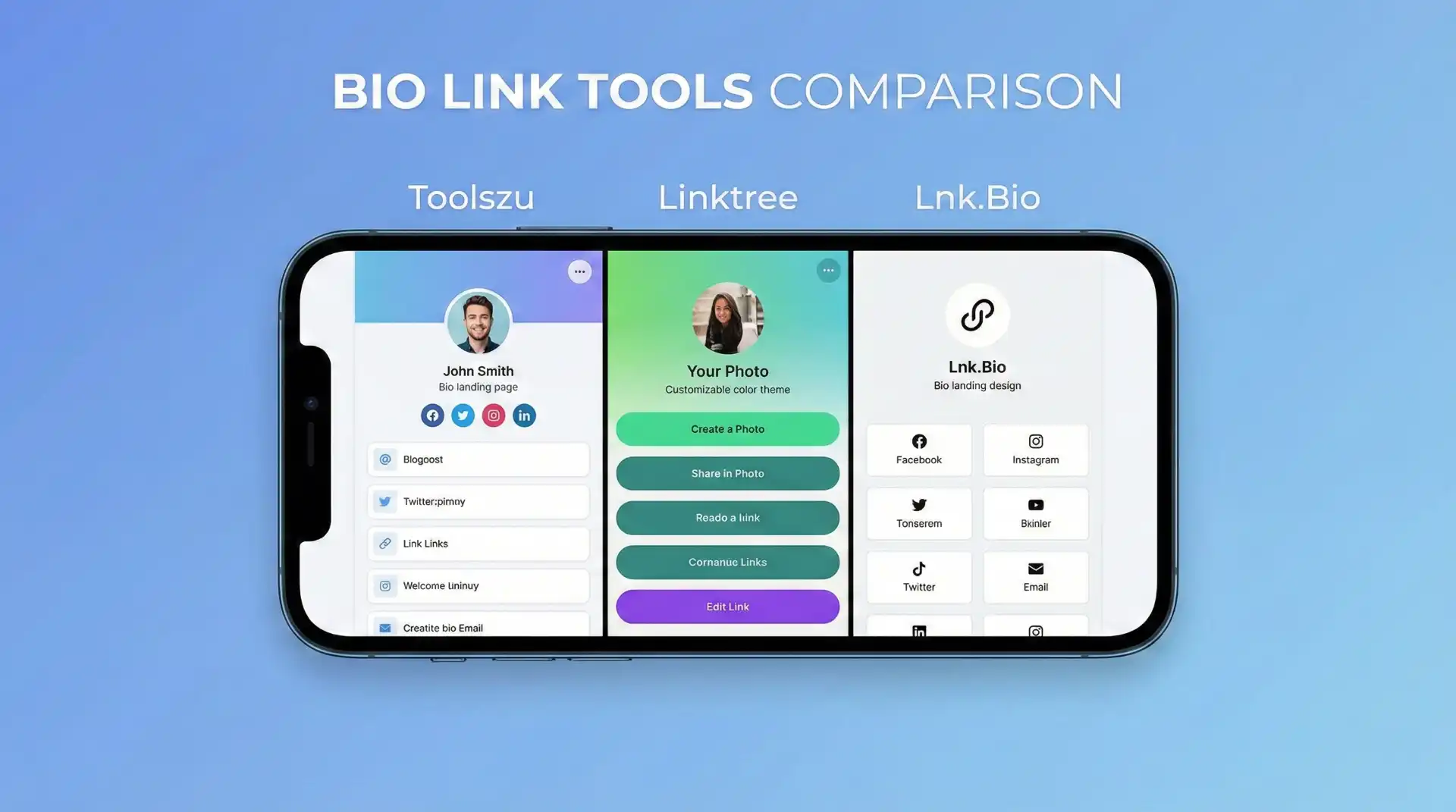
Social platforms give you only one clickable link in your bio, yet your audience needs access to many places — your website, shop, portfolio, videos, contact page, and social channels. The result is a real problem: creators and businesses either rotate links constantly or lose traffic altogether. The solution is a link in bio creator — a single landing page that houses all your important links in one clean, mobile-friendly hub.
Among the many options available, Toolszu Link in Bio Creator has emerged as a strong alternative to popular tools like Lnk.Bio and Linktree. In this guide, you’ll learn what makes Toolszu different, where it wins, where competitors are stronger, and how to choose the right tool for your needs.
What is a Link in Bio Tool?
A link in bio tool turns one URL into a mini-website. Instead of changing your bio link every time you post something new, you send followers to one page that connects everything you care about.
This matters because most social traffic is mobile, impatient, and distracted. A simple, fast, and well-organized bio page converts far better than scattered links in captions or stories.
What is Toolszu Link in Bio Creator?
Toolszu Link in Bio Creator is a lightweight, fast, and brand-friendly bio page builder designed for creators, small businesses, and solopreneurs who want control without complexity.
You can:
- Add unlimited links
- Organize links into sections
- Customize your layout and branding
- Use your own profile photo and cover
- Share one clean link across all platforms
Toolszu focuses on clarity first — fewer distractions, clearer navigation, and pages that load quickly even on slow networks.
If you already use Toolszu’s ecosystem, this fits naturally alongside tools like the Toolszu QR Code Generator (to share your bio page on posters, business cards, or WhatsApp) or the Toolszu Site Audit tool (to check whether your linked website is fast and trustworthy before sending traffic to it).
Why creators actually need this (not just want it)
Most creators make three costly mistakes:
- They change their bio link too often
- They scatter links across stories and captions
- They never track what people actually click
A single bio hub fixes all three. You keep one permanent link, update content in one place, and observe visitor behavior with basic analytics instead of guessing.
Toolszu vs Lnk.Bio vs Linktree — Head-to-Head
Below is a practical comparison based on real creator needs, not marketing hype.
1) Ease of Setup
Toolszu:
- Very fast setup
- No technical skills needed
- Simple dashboard with clear options
Lnk.Bio:
- Fastest to start
- You can log in via Instagram
- Minimal learning curve
Linktree:
- Easy but slightly heavier interface
- More menus and options can feel busy for beginners
Winner: Tie between Toolszu and Lnk.Bio for speed.
2) Design and Branding Control
Toolszu:
- Clean, modern layouts
- Better control over visual branding
- Looks more like your page, not a template
Lnk.Bio:
- Basic customization
- Good for minimalists, limited for brands
Linktree:
- Decent themes
- But free plan shows Linktree branding prominently
Winner: Toolszu for professional branding.
3) Performance and Speed
Fast loading matters because most users are on mobile.
- Toolszu pages are lightweight and optimized for speed.
- Lnk.Bio is also fast but visually simpler.
- Linktree can feel slightly heavier, especially with many links and embeds.
If you care about performance and conversions, speed is a quiet but important advantage.
4) Analytics and Insights
Toolszu:
- Practical click insights
- Works well if you pair it with Toolszu Web Analytics to understand where visitors come from and what they do after clicking.
Linktree:
- Strong analytics, especially on paid plans
- More dashboards and charts
Lnk.Bio:
- Very basic click tracking
Winner: Linktree for deep analytics, Toolszu for practical, no-frills insights.
5) Custom Domain
Using your own domain builds trust and brand authority.
- Toolszu: Supports custom domains (plan dependent).
- Linktree: Supports custom domains but usually requires a paid plan.
- Lnk.Bio: Often restricts advanced branding to paid tiers.
If you want a branded link like links.yourname.com, Toolszu is competitive here.
6) Pricing Philosophy
- Toolszu: Designed for value — fewer gimmicks, more utility.
- Linktree: Freemium with meaningful paywalls for branding and analytics.
- Lnk.Bio: Low-cost but feature-light.
If you want serious features without overpaying, Toolszu hits a sweet spot.
When should you choose Toolszu?
Pick Toolszu Link in Bio Creator if you want:
- A clean, professional look
- Fast pages that work well in India and low-bandwidth regions
- Integration with other useful tools like QR codes or site checks
- Control over branding without complex settings
For example, you can create your bio page, generate a QR code for it, and print it on your business card all within the Toolszu ecosystem.
When is Linktree better?
Choose Linktree if:
- You want the most recognizable platform
- You need very detailed analytics
- You work with brands that already trust Linktree links
It’s reliable, well-known, and safe for large influencers.
When is Lnk.Bio better?
Choose Lnk.Bio if:
- You want the simplest possible page
- You don’t care much about design
- You just need something live in minutes
It’s quick, minimal, and straightforward.
Real use cases (so this feels practical)
For content creators
- Put YouTube, Instagram, portfolio, and newsletter in one place.
- Track which platform sends the most clicks.
For small businesses
- Link to website, Google Maps location, WhatsApp, and product pages.
- Check your site’s reliability with a quick site health scan before driving traffic.
For freelancers
- Add portfolio, LinkedIn, email, and testimonials.
- Share one polished link instead of five messy ones.
External authority context
If you want to understand why a single bio link matters, Instagram’s official help center explains the one-link limitation and best practices for profile links. Digital marketing platforms like HubSpot also document how centralized link hubs improve conversion and audience flow. These principles are exactly what Toolszu is built around.
Frequently Asked Questions
1) Is Toolszu Link in Bio Creator free?
Toolszu offers a free version with core features; advanced branding and domains may require a paid plan.
2) Can I change links anytime?
Yes. You can edit, reorder, and replace links instantly.
3) Does it work on Instagram and TikTok?
Yes. One link works across all platforms.
4) Can I use my own domain?
Yes, depending on your plan.
5) Which tool is best for beginners?
Toolszu or Lnk.Bio — both are simple to start with.
6) Which tool is best for brands?
Toolszu for clean branding, Linktree for enterprise-style analytics.
Conclusion – Choose with intention, not hype
If your goal is simplicity + speed + professional branding, Toolszu Link in Bio Creator is a smart choice. If you want maximum analytics and industry recognition, Linktree makes sense. If you just want the fastest, barebones solution, Lnk.Bio will do the job.
The right tool isn’t the most popular one — it’s the one that fits your workflow, your audience, and your budget. If you want, I can walk you through creating your first Toolszu bio page step by step.